
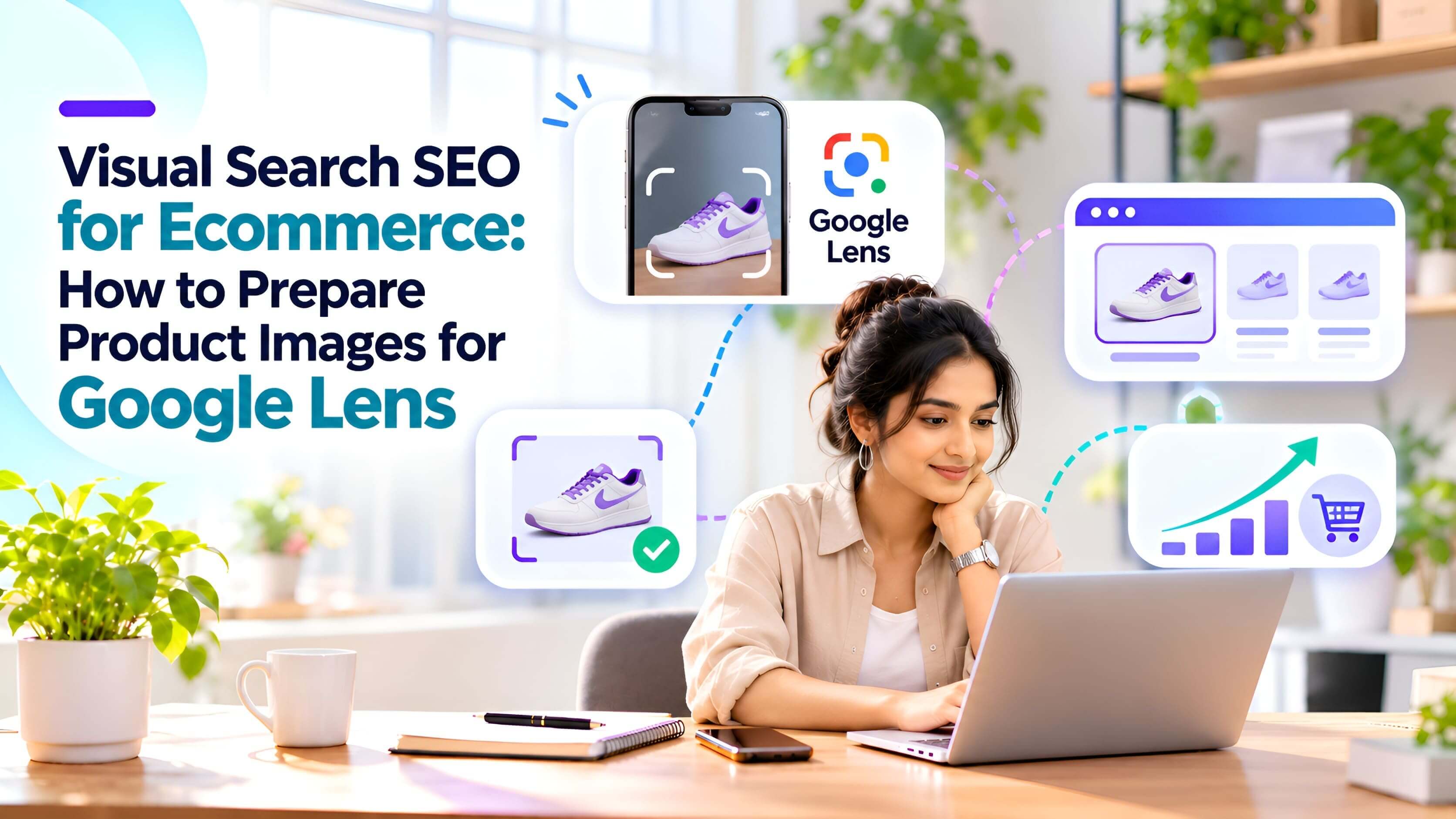
A shopper notices a pair of embroidered juttis at a wedding. She likes the design but does not know the brand or what to type into Google. So, she takes a photograph, opens Google Lens and looks for similar footwear.
For an online retailer selling ethnic footwear, that photograph could become an opportunity to reach a new customer.
This is why visual search SEO for ecommerce deserves attention. Shoppers increasingly have ways to search using photographs, screenshots and images instead of relying entirely on written descriptions.
Yet a beautiful product photograph does not automatically make a product discoverable. Google also needs to access the image, understand its context and connect it with a relevant product page.
Most ecommerce teams judge photographs by how attractive they look on a product page. That matters, but images also need to communicate what the product actually is.
Consider a furniture store selling a cane accent chair.
A lifestyle photograph showing the chair in a stylish living room can help customers imagine it in their homes. However, the same photograph might make it difficult to distinguish the chair's shape, legs and woven details.
A separate product-focused photograph can communicate those features more clearly.
An effective product gallery should therefore serve two purposes:
Neither purpose requires excessive editing, decorative backgrounds or misleading visual effects.
For many retailers, improving an existing image collection is more useful than arranging another elaborate photoshoot.
On 24 September 2026, Google announced web multimodal Search performance reporting in Search Console.
The update covers searches involving images through experiences such as Google Lens, Circle to Search, image uploads to Google Search and Chrome's image search functionality.
Website owners can access relevant information through the multimodal search type filter in supported Search Console performance reports, including Search results and Generative AI features reporting.
Google began rolling out the integration globally in September 2026. Relevant metrics appear when a website receives traffic from these types of searches.
The announcement is significant because it gives ecommerce teams additional insight into image-led discovery.
However, it is important to understand what the update does not mean.
Google has not announced a separate Google Lens ranking formula or guaranteed that optimising product photographs will secure Lens placements.
The reporting update helps businesses observe relevant search activity. Product discoverability still depends on established image SEO, page relevance and Google's search systems.
You can read the details in Google's official multimodal Search Console announcement.
Instead of applying the same image rules to every product, examine the categories where visual characteristics influence purchasing decisions.
For example, jewellery, clothing, furniture, footwear and home décor often depend heavily on appearance.
A practical audit can begin with the following questions.
The primary photograph should make the item easy to recognise.
A handbag listing should clearly show the handbag. If models, props or decorative objects dominate the photograph, the product may become harder to examine.
Use additional photographs for lifestyle context rather than forcing every visual purpose into one image.
A jewellery retailer might need close-ups showing stone settings, textures or clasp designs.
A furniture seller may need photographs showing the back, legs and construction details.
These images help customers understand what they are considering. They also provide additional visual representations of the product.
A product gallery should not mix colours, models or variations without clear explanation.
If a shopper selects a green kurta, the displayed photographs should correspond to that variation.
Accuracy matters more than making every product photograph look identical.
Google can analyse image content, but written context remains important.
For ecommerce websites, three elements deserve particular attention.
Descriptive filenames
A filename such as brown-leather-crossbody-bag.jpg is more informative than DSC00872.jpg.
Keep filenames concise and relevant to the actual image.
Meaningful alternative text
Alt text should explain what the image shows, while also supporting accessibility.
For example:
Brown leather crossbody bag with an adjustable shoulder strap.
Avoid inserting unrelated keywords or repeating the same description across every image in a product gallery.
Accurate product descriptions
The page should explain the product's material, colour, dimensions, features and available variations wherever relevant.
A photograph of a wooden dining table becomes more useful when the accompanying information clearly identifies its size, finish and construction.
For fashion retailers looking to strengthen the wider shopping experience, GBIM's guide to SEO for fashion ecommerce explains how product content, technical SEO and search visibility work together.
A photograph can look perfect to customers while remaining difficult for search engines to discover.
Google's image SEO documentation recommends using standard HTML image elements so crawlers can find image URLs. Images used only as CSS backgrounds are not indexed by Google in the same way.
Ecommerce teams should review these technical essentials:
Product structured data also deserves attention. Accurate markup can help Google understand product information and support eligibility for relevant search features.
However, structured data is not a shortcut to guaranteed visibility in Google Lens.
Imagine an Indian home décor retailer selling a ceramic table lamp.
|
Before optimisation |
After optimisation |
|
Filename: IMG_4582.jpg |
Filename: blue-ceramic-table-lamp.jpg |
|
One photograph with several decorative props |
Clear product image plus a separate lifestyle photograph |
|
Alt text: lamp best lamp online |
Alt text: Blue ceramic table lamp with a white fabric shade |
|
Description: Beautiful premium lamp |
Description explains material, dimensions and shade design |
|
Large image that loads slowly |
Appropriately compressed, responsive image |
Once the image improvements are live, businesses should examine whether relevant search activity changes.
Start with Search Console's multimodal search type filter where data is available.
Review the pages attracting impressions and clicks from image-based searches. Then compare those findings with website analytics.
A useful review might investigate:
Businesses do not need to replace thousands of photographs immediately.
A more practical approach is to select a small group of important products and improve the image experience systematically.
Begin with products that attract customer interest but have incomplete galleries, weak descriptions or technical image problems.
Review their photographs, filenames, alt text and page information. Confirm that the images are accessible and display correctly on mobile devices.
Then monitor relevant Search Console data and customer behaviour before extending the work to additional categories.
This makes visual search SEO for ecommerce a manageable part of ongoing product page optimisation rather than a separate project built around assumptions about Google Lens.
When shoppers search using photographs, the product image becomes part of their search journey. Retailers that provide clear visuals, accurate descriptions and technically accessible pages are better prepared to serve those searches.
At GBIM Technologies, we help ecommerce businesses examine how product pages, technical SEO and content quality contribute to organic discoverability. We can review image-related SEO issues, identify gaps in product information and develop practical optimisation priorities for your catalogue.
If your products look impressive on your website but struggle to attract relevant organic visitors, we can help you investigate what may be limiting their visibility.
Visual search allows shoppers to search using photographs, screenshots or other images instead of relying entirely on typed queries. Google Lens is one example of an image-based search experience.
Yes. Products from smaller websites may be discoverable when Google can access and understand their images and related pages. However, inclusion in particular results is not guaranteed.
Google Search supports several formats, including JPEG, PNG, WebP and AVIF. Retailers should choose formats that balance image quality, compatibility and loading performance.
Alt text should describe the actual image. Different product angles may require different descriptions, while decorative images may not need descriptive alt text. Avoid repeating keywords unnecessarily.
Google Search Console introduced multimodal search reporting in September 2026. Where relevant data is available, businesses can use the multimodal search type filter and review impressions, clicks and related performance.
Product structured data helps Google understand product information and may support eligibility for relevant search features. It does not guarantee Google Lens visibility or a particular ranking position.
309, Rupa Solitaire,
Sector-1, Millennium Business Park,
Mahape, Navi Mumbai,
Maharashtra (400 710), INDIA.
Write to us at
hr@gbim.com