
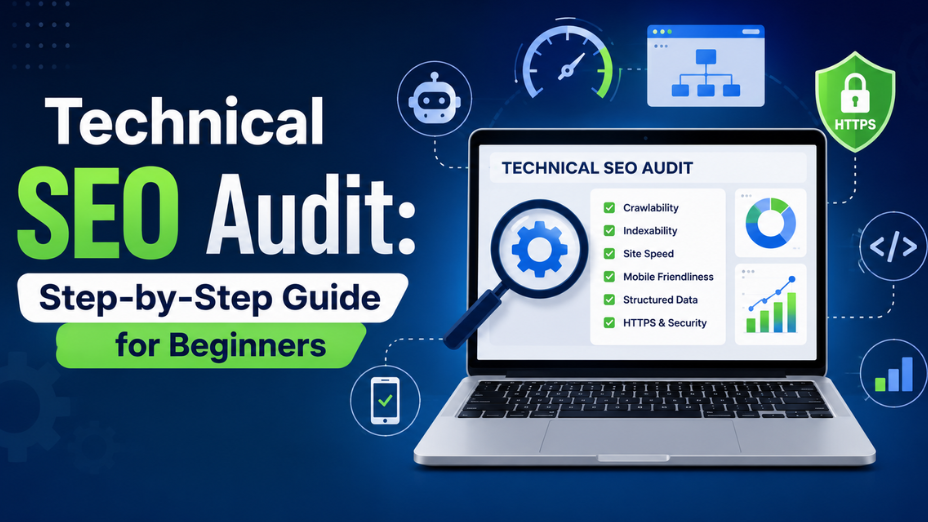
If your website isn't ranking despite publishing great content, hidden code errors and server bottlenecks are usually to blame. Knowing how to do a technical SEO audit allows you to inspect your site's backend, eliminate crawling barriers, and fix indexation bugs that drain your search visibility. Built specifically for beginners, webmasters, and small business owners, this guide walks you through a practical, field-tested workflow to diagnose performance issues and restore your site's search health.
Let's get your pages crawling smoothly and ranking where they belong.
Before diving into code or server logs, grab the right tools. You do not need an expensive software stack to perform an effective beginner audit.
Set up these three essential assets:
Having these accounts ready lets you gather actual site data instead of guessing what might be broken. For a deeper breakdown of software options, check out our guide on essential SEO audit tools.
Start where Google starts. Google Search Console highlights the exact issues preventing your pages from entering search results.
Open GSC and navigate to the "Pages" tab under Indexing. Look for sudden drops in indexed pages or spikes in unindexed URLs.
A site crawl simulates how search engine spiders navigate your domain. It brings hidden technical issues to the surface in one clear report.
Fire up your crawler and scan your root URL. Filter your results by status codes to identify broken user pathways.
Site architecture determines how search engines distribute ranking power across your website. A cluttered structure buries valuable pages where no one can find them.
As a general rule, visitors and crawlers should reach any page on your site within 3 clicks from the homepage.
A slow website hurts your user experience and directly pulls down your rankings. Google measures site speed through a set of performance benchmarks known as Core Web Vitals.
Run your highest-traffic pages through PageSpeed Insights to uncover performance drains.
Because Google uses mobile-first indexing, the mobile version of your page determines your desktop rankings as well.
Load your site on a smartphone and test basic interactions.
Structured data provides search engines with explicit information about your business type, products, and articles.
Adding structured data helps your search snippets stand out on competitive SERPs.
When running an audit, tackling every warning at once can feel overwhelming. Use this triage matrix to prioritize your fixes based on effort and search impact.
|
Issue Severity |
Technical Problem |
Recommended Action |
Typical Fix Time |
|
Critical |
Core pages blocked by robots.txt or noindex |
Remove block rules immediately in GSC or page headers. |
15 minutes |
|
Critical |
Broken HTTPS security or mixed content warnings |
Install valid SSL certificate and enforce HTTPS redirects. |
1 hour |
|
High |
404 errors on pages with incoming backlinks |
Set up 301 redirects to relevant live pages. |
30 minutes |
|
High |
Uncompressed images slowing down LCP |
Batch-compress graphics and serve WebP image formats. |
1-2 hours |
|
Moderate |
Missing meta descriptions or H1 tags |
Add unique titles and headings across thin pages. |
Ongoing |
|
Moderate |
Lack of structured data schema markup |
Add basic JSON-LD Organization and Article code. |
2 hours |
Fixing code bugs, adjusting server configurations, and monitoring crawl logs takes time away from running your actual business. When technical barriers linger, even your best marketing efforts struggle to deliver results.
We at GBIM focus on clearing away these backend obstacles so your business can grow organically. Our team helps clients resolve complex crawl errors, optimize site architecture, and implement modern schema strategies that improve visibility. Whether you need an in-depth audit or end-to-end management, our tailored SEO services and multi-channel digital marketing solutions are built to deliver measurable ROI.
If you are ready to fix backend errors and boost your organic search performance, reach out to our team at GBIM today for a personalized consultation.
A technical SEO audit evaluates your website's backend health, code structure, server status, and page speed to ensure search engines can crawl and index your content easily.
For a standard website with under 100 pages, a beginner audit takes between two and four hours using free tools like Google Search Console and Screaming Frog.
Resolving critical indexation or crawling blocks can produce noticeable ranking improvements within days, while speed and architecture optimizations usually show results over a few weeks.
You should conduct a light technical check monthly and perform a thorough site audit every three to six months, or whenever you redesign key page layouts.
The most common mistake is accidentally blocking valuable pages from search engines using incorrect robots.txt directives or leaving 'noindex' tags active on live pages.
No, you don't need coding expertise to spot technical errors using audit tools, though you may need a developer's help to resolve complex server or JavaScript issues.
309, Rupa Solitaire,
Sector-1, Millennium Business Park,
Mahape, Navi Mumbai,
Maharashtra (400 710), INDIA.
Write to us at
hr@gbim.com