
An online shopper finds a pair of running shoes through Google. The listing shows their preferred size as available, but the product page says otherwise. They try another listing, only to discover that the photograph and product description refer to different colour variants.
Neither experience encourages confidence in the retailer.
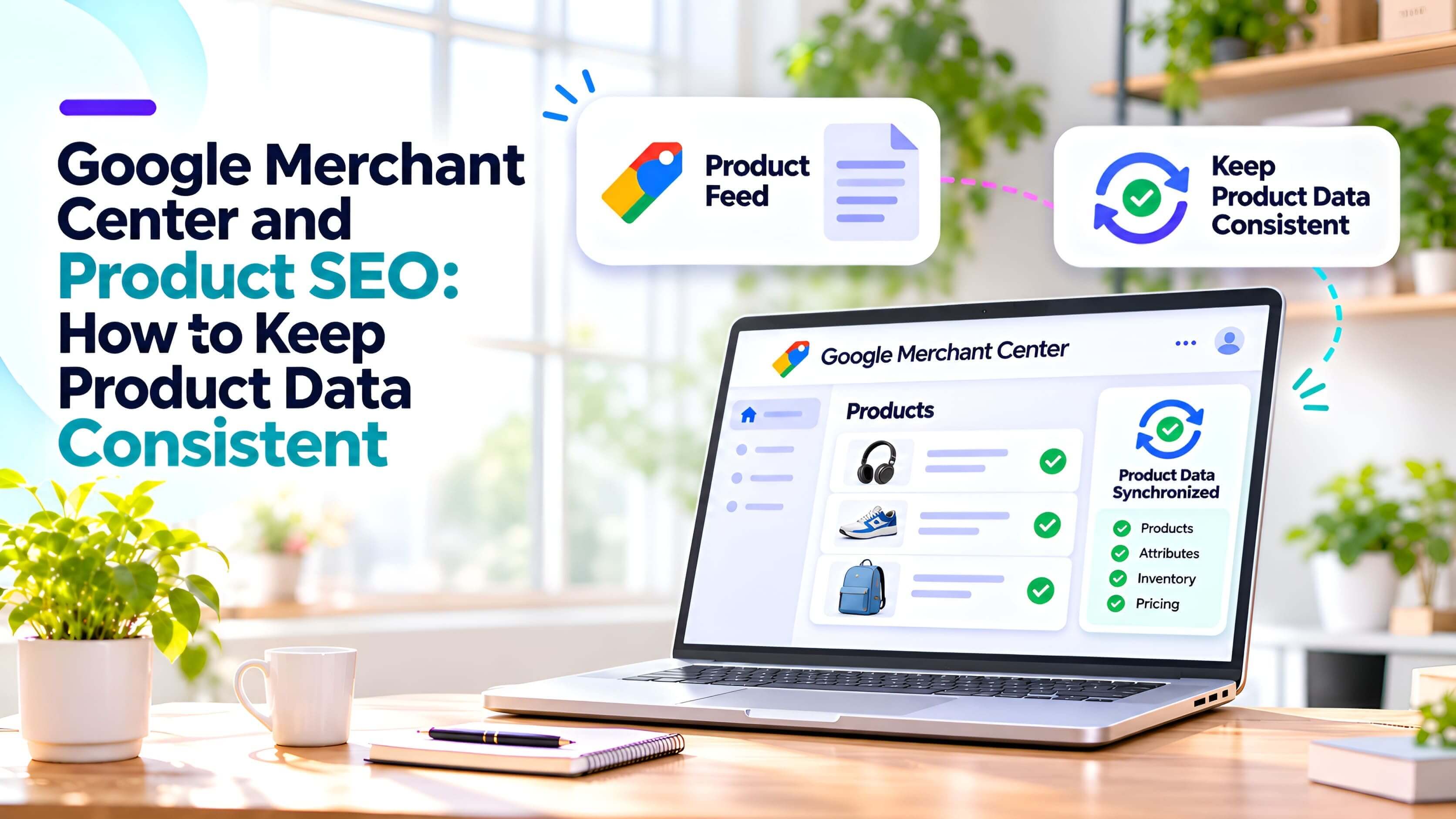
For ecommerce businesses, Google Merchant Center product data optimization is about preventing these inconsistencies before they affect product visibility or the shopping experience. It requires accurate information across Merchant Center, product landing pages and the structured data that helps Google interpret them.
The challenge becomes greater as product catalogues expand, inventory changes and promotional campaigns introduce frequent updates.
Most product data problems begin when different systems stop reflecting the same information.
An ecommerce business might manage inventory through its store platform, submit product information to Merchant Center and maintain structured data through a website plugin.
Each system serves a different purpose, but all three must accurately describe the products being sold.
Consider an Indian fashion retailer preparing for a festive collection launch. Its team updates product availability on the website, but the Merchant Center data source still contains yesterday's inventory information.
Google may identify the mismatch, potentially limiting or disapproving affected products.
This is why product data consistency should be treated as an ongoing ecommerce operation rather than a one-time SEO activity.
Before investigating errors, identify where each piece of product information originates.
Merchant Center allows retailers to provide product data for eligible Google shopping experiences.
Depending on the product and applicable requirements, this information includes titles, descriptions, images, availability, product identifiers and other relevant attributes.
The landing page is where shoppers confirm what they are buying.
It should accurately display the selected product, its specifications, current availability and other essential purchase information.
Structured data communicates product information in a format Google can interpret.
According to Google's official Product structured data documentation, retailers can provide product information through website markup, Merchant Center feeds or both.
Using both can help Google understand and verify product details and maximise eligibility for supported shopping experiences.
However, structured data must accurately represent the information visible to customers.
Not every inconsistency creates the same problem. Ecommerce teams should prioritise errors that directly affect product accuracy and eligibility.
A product sells out, but Merchant Center continues showing it as available.
Google requires submitted availability to match the landing page, checkout information and relevant structured data.
If stock levels change frequently, automated synchronisation can reduce delays between systems.
Imagine a clothing retailer offering the same kurta in four colours.
The Google listing displays the blue variant, but the landing page opens with the red variant selected.
This can confuse shoppers and create product matching issues.
Where a feed specifies a particular variant, its landing page should load with that variant correctly selected.
Images must accurately represent the item being advertised.
An outdated photograph, incorrect colour or image of a different model can create inconsistencies between the listing and the product page.
For retailers with extensive catalogues, image mismatches may result from incorrect product associations during uploads.
Product identifiers help Google understand which item a retailer is selling.
Depending on the product, relevant information may include brand, GTIN or MPN.
Businesses should provide accurate identifiers when applicable rather than inventing values for products that do not have them.
Product offer details need particular attention during promotions.
For example, a campaign may end while an older promotional offer remains in the submitted product data.
Google's Merchant Center requirements call for relevant offer information to remain consistent with the landing page and checkout experience.
When an issue appears in Merchant Center, the objective should be to identify its source rather than repeatedly correcting individual products.
|
Problem detected |
What to investigate |
Recommended action |
|
Availability mismatch |
Inventory synchronisation delays |
Update stock information across systems |
|
Wrong variant displayed |
Product URL and variant selection |
Link to the correct preselected variant |
|
Incorrect image |
Product-image association |
Replace or remap the affected image |
|
Missing identifiers |
Catalogue attribute records |
Add valid identifiers where applicable |
|
Structured data error |
Product and Offer markup |
Correct markup and validate it |
|
Recurring disapprovals |
Shared catalogue or integration issues |
Investigate the underlying data process |
For example, if hundreds of listings show outdated availability, correcting each product manually may be less effective than investigating the inventory integration responsible for the problem.
Structured data is valuable only when it accurately describes the product.
Google distinguishes between Product snippets and merchant listing experiences. Ecommerce pages where customers can purchase products should follow the relevant merchant listing requirements.
A practical review should include the following checks:
Google's Rich Results Test can help identify supported structured data errors, while Search Console provides reporting for certain product-related search enhancements.
However, passing a structured data test does not guarantee that a product will appear in a particular Google search feature.
For growing ecommerce businesses, preventing repeated errors is usually more efficient than responding to them individually.
Start by identifying which system maintains the authoritative product record.
If inventory information is managed through an ecommerce platform, updates should flow reliably to other systems that use the same information.
The next priority is deciding when updates must happen.
Stock changes, new product variants, discontinued items and promotional changes may require different operational checks.
Teams should also establish clear responsibilities. Someone needs to monitor Merchant Center issues, while the relevant ecommerce or technical team investigates their causes.
Product data consistency is not separate from ecommerce SEO.
A product page still needs a descriptive title, useful specifications, accessible images, relevant content and a technically sound website structure.
Merchant Center information should complement these elements rather than contradict them.
For example, a home appliance retailer may describe a refrigerator's capacity, dimensions and key features on its product page.
The submitted product information should identify that same refrigerator accurately, including its specific model and variant.
Businesses planning a wider ecommerce strategy can explore GBIM's complete guide to digital marketing for ecommerce, which covers product pages, search visibility and other important digital growth considerations.
The success of Google Merchant Center product data optimization should not be judged only by the number of products uploaded.
A more useful approach is to examine whether product information is becoming more accurate and whether customers can discover the correct items.
Track changes in product approval status, recurring data issues and the proportion of priority products eligible for relevant experiences.
Search Console can help teams assess product page visibility, while website analytics can provide additional information about engagement and conversions.
These measurements should be interpreted carefully. Resolving a data issue can restore eligibility, but it does not guarantee more impressions, higher rankings or additional sales.
A reliable catalogue helps shoppers find the correct products and reduces avoidable problems across ecommerce marketing activities.
For businesses managing extensive inventories, the priority should be maintaining accurate product records, dependable updates and clear responsibilities between marketing and technical teams.
At GBIM, we help ecommerce businesses strengthen their search visibility through technical SEO, product page optimisation and connected digital marketing strategies. We can help identify website optimisation gaps, review product discoverability and align SEO priorities with the wider customer journey.
If your ecommerce catalogue is growing but product visibility remains inconsistent, our team can help you assess the areas that deserve attention and develop a more structured approach to ecommerce SEO.
Errors can occur when submitted information is incomplete, incorrect or inconsistent with the landing page. Businesses should review the affected product details and the specific issue reported in Merchant Center.
Yes. Google requires submitted availability to match the product's landing page, checkout information and relevant structured data. Significant mismatches can affect product eligibility.
Product structured data is not mandatory for every ecommerce website, but it can help Google understand products and support eligibility for relevant search enhancements when implemented correctly.
Yes. Google supports product information submitted through Merchant Center feeds. However, using both Merchant Center and relevant structured data can improve Google's ability to understand and verify product information.
Maintain a reliable product information source, synchronise important changes, validate structured data and review Merchant Center diagnostics regularly. Repeated errors should be investigated at the system or integration level.
Not automatically. Accurate product data can help resolve eligibility problems and support relevant shopping experiences, but search visibility also depends on other factors, including relevance, website quality and competition.
309, Rupa Solitaire,
Sector-1, Millennium Business Park,
Mahape, Navi Mumbai,
Maharashtra (400 710), INDIA.
Write to us at
hr@gbim.com